Sets
The Statix page builder uses Sets to create a web page. The naming Set is specific to the CMS. Within the CMS you need to enter the content (text for headlines, labels for buttons, links for buttons, images, videos) to fill the sections for the end-user webpage.
INFO
Remember:
In the CMS you enter the data which is then rendered on the web page. On the web page those elements are called sections and in the CMS they are called sets.
The design and appearance of the Web-Page-View needs to be defined by a designer and implemented by a developer. For the CMS-User only the possibility to change the contents and the order of the sets on the web page. As admin user it is also possible to change
In Statix, the following sets are available. Each set will be showcased with the CMS-View and the Web-Page-View.
Home Header Set
This should be the first set you add on your page. It serves as a hero section and contains the Navbar.
Elements:
- Headline
- Subheadline
- Button Group (1-2)
- Image
- Background Image
Rules:
- Headline: Headline-1, H1
- Text: Subheadline
- Button: 1. Primary, 2. Secondary
Section on Page
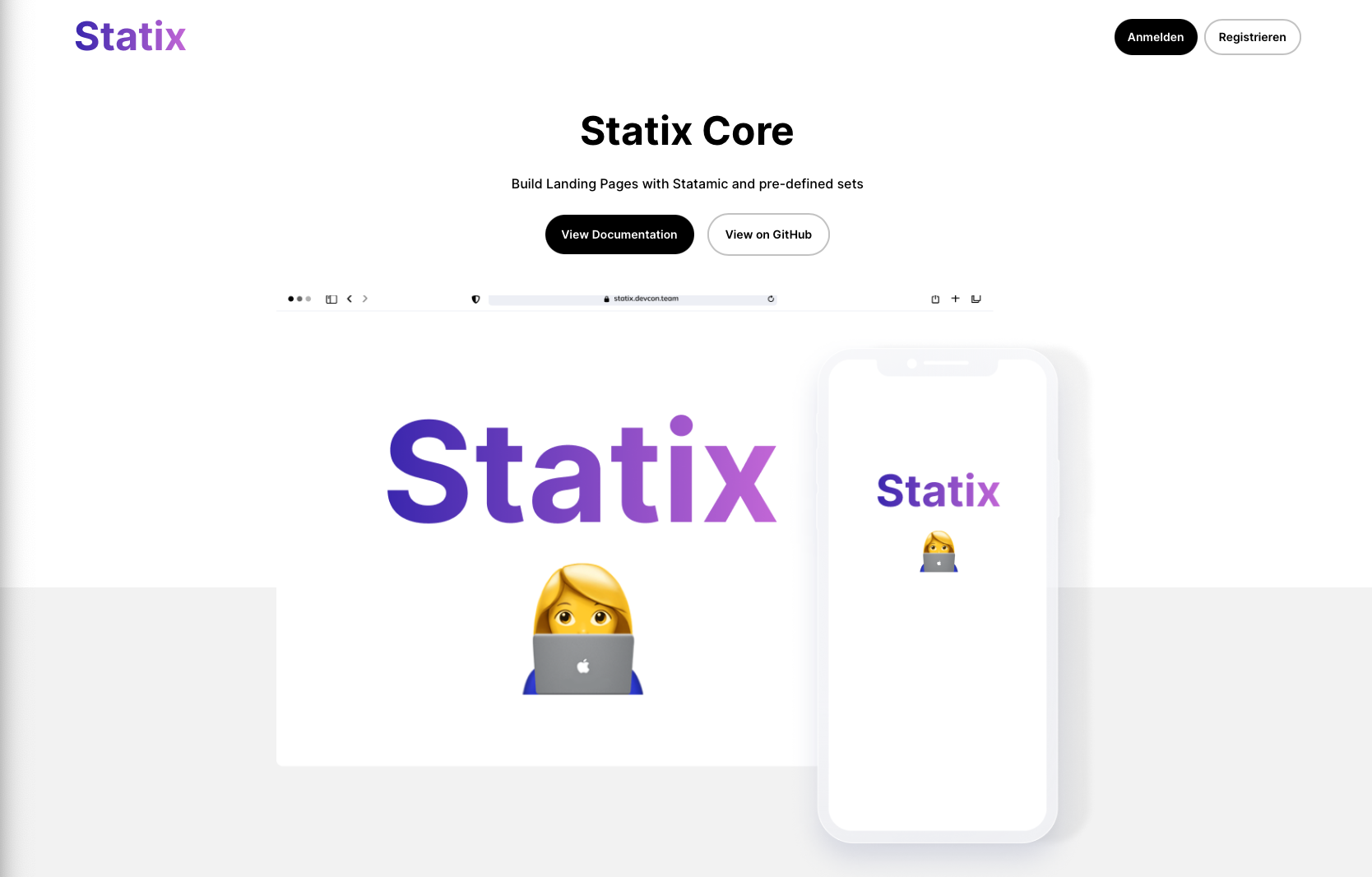
... and further variations
Subpage Header L Set
Large header for sub-pages. Contains the Navbar.
Elements:
- Headline
- Subheadline
- Button Group (1-2)
- Image
- Background Image
Rules:
- Headline: Headline-1, H1
- Text: Subheadline
- Button: 1. Primary, 2. Secondary
Section on Page